

No bank visit, no forms to post, you’re set up from your sofa in about three minutes.
Signing up for YouTrip happens entirely in the app. You download it, verify who you are with Singpass, and that’s basically it. Your virtual card is ready the moment you’re approved, so you can start spending while the physical card makes its way to you.
📱Get started by scanning the QR code below with your phone:
| Quick Answer | Details |
|---|---|
| Sign-up time | ~3 minutes in the app |
| Cost | Free: no sign-up fee, no annual fee, free virtual and physical card |
| What you need | A Singapore mobile number, email address, and Singpass (or a Singapore-issued ID plus proof of address) |
| Minimum age | 15, with a valid NRIC or FIN |
| Approval | Usually 1 to 2 working days |
| Virtual card | Ready instantly on approval, spend online right away |
| Physical card | Delivered in 5 to 7 working days |
| Promo code | Enter <YTBLOG5> at sign-up for free S$5 YouTrip credits |
What’s in This Guide
- What You Need Before You Sign Up
- How to Apply for a YouTrip Card (Step-by-Step)
- How Long Does YouTrip Take to Approve?
- How to Activate Your YouTrip Card
- Setting Up Your Wallet Before You Travel
- Using YouTrip for the First Time
- FAQs
What You Need Before You Sign Up
You need three things: a Singapore mobile number, an email address, and a way to prove your identity. For most people, that’s Singpass, which pulls your details in automatically. Everything happens inside the app, so there’s nothing to print, sign, or post.
Who Can Sign Up (Age and Eligibility)
Anyone aged 15 and above in Singapore with a valid NRIC or FIN can apply. There’s no income requirement and no minimum balance to keep. Singaporeans, PRs, and foreigners legally residing here are all eligible.
If you’re signing up for your kids, that’s a separate product. YouTrip Family gives children their own card under a parent’s account, and it works a little differently from the standard sign-up below.
📖 Related Guide: Getting the kids their own travel card? Our YouTrip Family guide covers the child account for ages 7 to 18 and how parents manage the spending.
Singpass MyInfo vs Manual Sign-Up
There are two ways to verify yourself, and one is much faster than the other.
- Singpass MyInfo (recommended). MyInfo pulls your government-verified details straight into the form, so you skip the typing and don’t need to upload any documents. It’s open to Singaporeans and foreigners with a Singpass account. Accepted passes include the Employment Pass, S Pass, Work Permit, Student Pass, Dependant’s Pass, Long Term Visit Pass, EntrePass, Immigration Exemption Order, and Training Work Permit.
- Manual sign-up. No Singpass or on a Work Holiday Pass? You’ll do it by hand instead. Have a physical copy of your Singapore-issued ID ready, plus proof of address dated within the last 6 months (a utility or telco bill works).
The steps are nearly identical either way. The only real difference is that MyInfo fills in your details for you, while the manual route asks you to photograph your ID and record a quick verification video.
📖 Related Guide: Weighing up your options first? Our best multi-currency cards in Singapore guide lines them all up side by side.
How to Apply for a YouTrip Card (Step-by-Step)
Signing up takes about three minutes and runs entirely in the app. Here’s the full flow from download to submitted application.
- Download the App on the App Store or Google Play and Verify Your Number
Download the YouTrip app, open it, and tap Get Started. On the “Where are you based?” screen, select Singapore. Enter your mobile number and you’ll get an SMS one-time password (OTP) to confirm it. Next, enter your email address and tap the verification link we send you. - Verify Your Identity (Singpass or Manual)
With Singpass MyInfo:
– Select Retrieve MyInfo with Singpass and log in with your Singpass account.
– Review the information you’re sharing and tap I Agree.
– Check that everything displayed is correct.
Signing up manually:
– Select Continue without Singpass.
– Submit photos of the front and back of your NRIC (Singaporeans and PRs) or your Singapore-issued ID (foreigners).
– Take a short live recording of your face, turning your head slowly to each side.
– Enter your personal details and residential address. Type them exactly as they appear on your ID so approval isn’t held up.
– Foreigners also upload a proof of address dated within the last 6 months. - Confirm Your Details and Submit
Enter the preferred name you’d like printed on your card, then send off your application. That’s the whole sign-up done. Now it’s just a short wait for approval.
📖 Related Guide: Curious how YouTrip’s rates actually work? Our best exchange rate in Singapore guide breaks down the wholesale rate.
How Long Does YouTrip Take to Approve?
Approval usually takes 1 to 2 working days once you’ve submitted everything. You can see your expected approval date on the app’s home screen, and you’ll get a push notification the moment your account is processed.
You don’t wait around cardless, though. Once you’re approved and you’ve verified your email, your virtual card is issued for free straight away, ready for online or contactless spending through Apple Pay or Google Pay. The physical card then arrives by post to your mailing address in 5 to 7 days.
If your details don’t quite match your documents, approval can take a little longer while we sort it out. Entering everything exactly as it reads on your ID is the easiest way to keep things moving.
📖 Related Guide: While you wait, sort your trip cover too. Our travel insurance in Singapore guide covers what’s actually worth paying for.
How to Activate Your YouTrip Card
Activation is quick. Here’s everything you need to know:
Activating Your Virtual Card
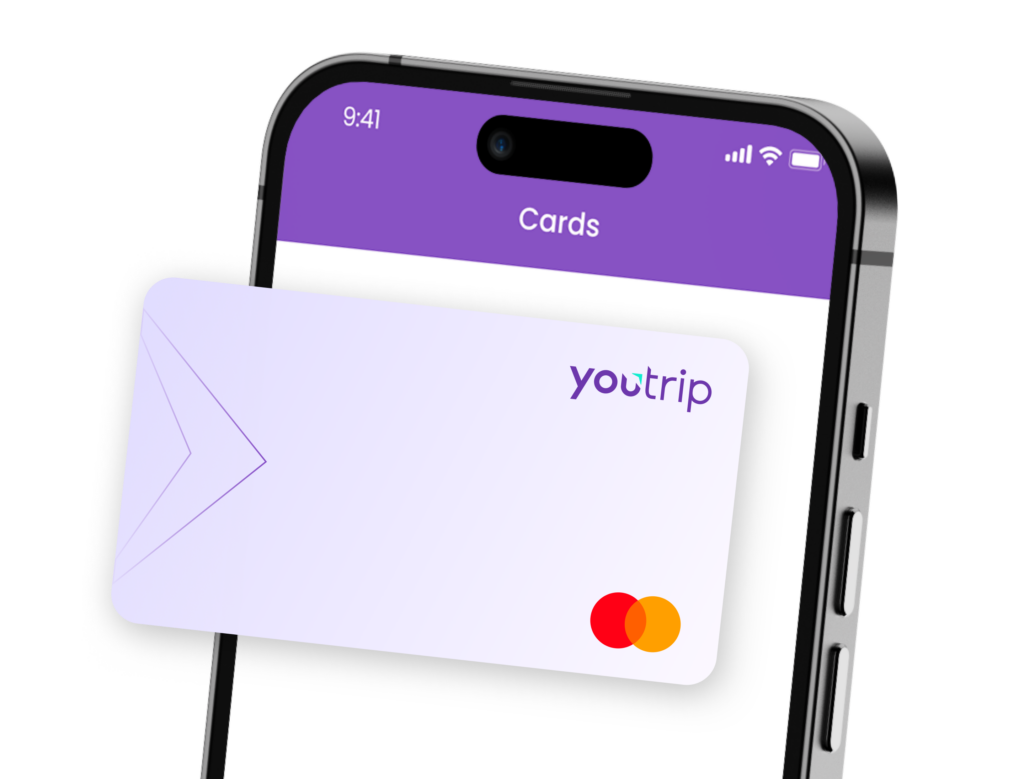
Your virtual card is automatically activated and available for use the moment you confirm your email and set up your app. Top up, add to Apple Pay or Google Pay, and you’re ready to start spending while waiting for your physical card to arrive.
Activating Your Physical Card
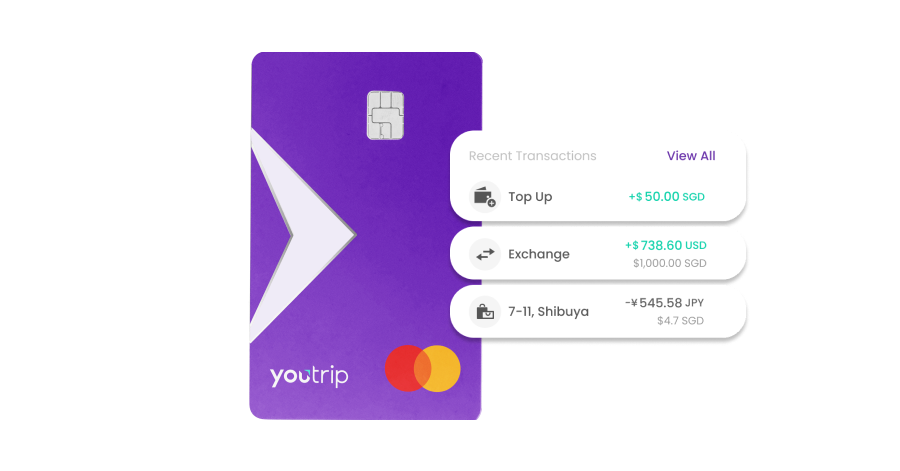
When the physical card arrives, activate it in the app before you can tap or swipe.
- Tap the ‘Cards’ icon on the app home screen.
- Tap ‘My card has arrived’.
- Enter the Y-number printed on the back of your card. This is a short serial number used only for activation, not your actual card number.
- Create a 4-digit ATM and Card PIN for overseas ATM withdrawals.
That 4-digit ATM PIN is separate from your 6-digit app passcode, and you’ll want it set before you fly, because it’s the PIN you’ll key in at overseas ATMs.
📖 Related Guide: Sorting your trip data too? Our YouTrip eSIM guide covers staying connected abroad without the roaming bill.
Setting Up Your Wallet Before You Travel
Your card’s active, but it can’t spend anything until there’s money in the wallet. Topping up takes seconds.
Topping Up
You can add money four ways: PayNow QR, a linked bank account, a linked debit or credit card, or Apple Pay. Most of these are completely free.
| Top-up method | Fee |
|---|---|
| PayNow | Free |
| Linked bank account | Free |
| Mastercard debit or credit | Free |
| Visa debit | Free |
| Visa credit card | 1.5% service fee |
Topping up with a Visa credit card adds a 1.5% service fee that can’t be waived. Everything else is free, so PayNow or a linked bank account is the way to go. One heads-up: if you’re logging in from a new device, there’s a 12-hour cooling period before your first top-up via a linked bank or card.
Adding YouTrip to Apple Pay or Google Pay
You can add both your physical and virtual cards to Apple Pay and Google Pay. Once it’s in your phone wallet, you can tap to pay overseas before the physical card even arrives, which is handy if you’re travelling soon after signing up.
Setting Your ATM PIN
If you didn’t set your 4-digit ATM and Card PIN when you activated the physical card, do it now. It’s the PIN you’ll use to withdraw cash from overseas ATMs, and you don’t want to be sorting it out at a machine abroad.
📖 Related Guide: Heading to JB first? Our Malaysia ATM withdrawal guide shows exactly how the free S$400 monthly allowance works on the ground.
Using YouTrip for the First Time
Once you’re topped up, YouTrip works like any contactless card, just without the foreign transaction fees. Tap it, swipe it, pay online with it, or add it to your mobile wallet. There’s 0% FX fee on overseas spending, billed at the Mastercard wholesale rate.
A few things worth knowing before your first trip:
- Withdraw local cash from an ATM overseas, not a money changer. Your first S$400 of overseas ATM withdrawals each calendar month is free, then it’s 2% on anything above that. The allowance resets on the 1st. Money changers quietly bake a markup into their rate, usually a few percent, which is exactly what YouTrip’s wholesale rate skips.
- Lock in a rate ahead of time for the currencies YouTrip holds. Heading to Japan? You can convert your yen in advance in the app and lock the rate, handy when the SGD to JPY rate is in your favour. The same works for a JB run and the SGD to MYR rate.
- Keep enough SGD in your wallet. If your SGD runs low mid-payment, YouTrip auto-converts from your other balances to cover it, which isn’t always the rate you’d pick. Topping up a bit of SGD buffer avoids that.
For places where cards aren’t king, YouTrip still fits. You can link it for spending in China via Alipay and WeChat Pay, or top up a transit card like the Octopus card in Hong Kong or the Suica and ICOCA card in Japan.
And if you chase miles at home, YouTrip pairs neatly with a rewards card. Our best credit cards in Singapore roundup covers the local-spend options worth holding alongside it.
FAQs
Yes, completely. There’s no sign-up fee, no annual fee, and both your virtual and physical cards are free. The only fees you might meet are a 1.5% top-up charge on Visa credit cards and the 2% overseas ATM fee after your first free S$400 each month.
YouTrip isn’t a bank. It’s a major payment institution licensed by the Monetary Authority of Singapore (MAS) under the Payment Services Act, and a Principal Member of Mastercard. Your money sits in dedicated safeguarding accounts at DBS and Standard Chartered, kept separate from YouTrip’s own company funds.
Yes. Your virtual card is ready the moment you’re approved, so you can shop online straight away. Add it to Apple Pay or Google Pay and you can tap to pay in stores too, all before the physical card arrives.
You can hold up to S$20,000 (or the equivalent in other currencies) at any time, with an annual top-up limit of S$100,000 every 365 days. Overseas ATM withdrawals are capped at S$5,000 a day, and card spending itself has no daily transaction limit.
We’re Ready When You Are
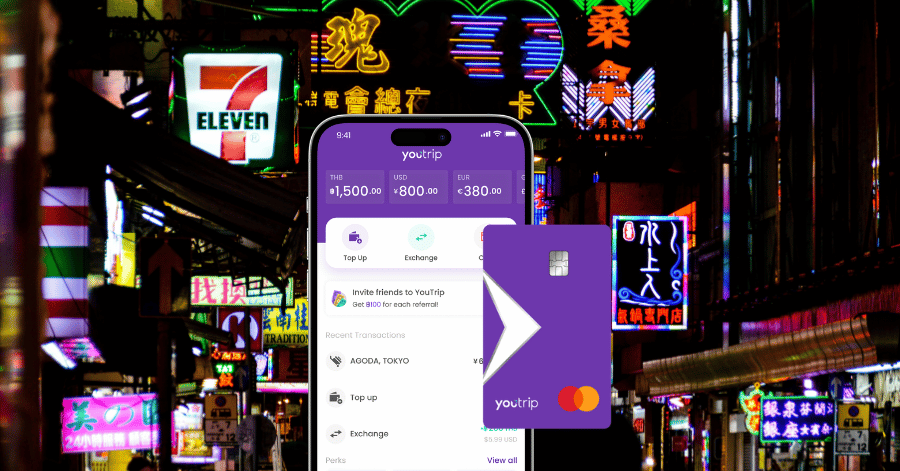
That’s the whole journey: download, verify with Singpass, activate, top up, and you’re ready to tap your way through your next trip with no FX fees getting in the way. The virtual card means you don’t even have to wait for the post to start spending.
Not a YouTrooper yet? Singapore’s go-to multi-currency wallet helps you save with great FX rates and zero fees. Skip the money changer and get a free YouTrip card + S$5 YouTrip credits with code <YTBLOG5>.
Then, head over to our YouTrip Perks page for exclusive offers and promotions — we promise you won’t regret it. Join our Telegram (@YouTripSG) and Community Group (@YouTripSquad) for travel tips, event invites, and more!
Happy travels!