


🎁 LUCKY DRAW BONUS: Be one of 3 lucky YouTroopers to win prizes worth over S$3,000 when you add YouTrip to Apple Pay or Google Pay for the first time!
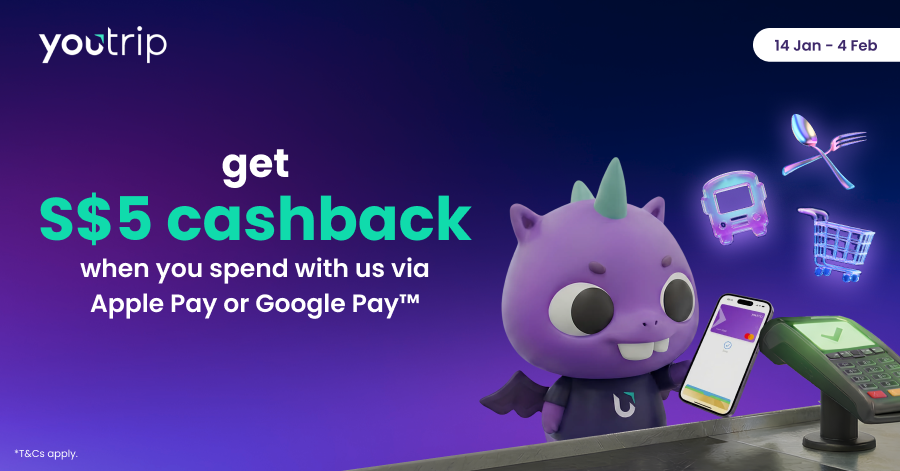
From 14 Jan to 4 Feb 2026, earn S$5 cashback when you make 15 mobile contactless payments with YouTrip via Apple Pay or Google Pay!
That means saving extra with every tap on overseas shopping sprees, food adventures, transport, and everyday essentials.
How to Qualify:
- Open your YouTrip app & tap ‘Join now’ via the Promo banner
- Once successfully registered, a tracker will appear on the Promo banner to show your remaining taps to qualify
- Make 15 payments with YouTrip via Apple Pay or Google Pay (min. of S$1 each)
- Earn S$5 cashback 🎉
Limited to the first 3,050 users to qualify.
Only applicable to point-of-sale (POS) transactions made with YouTrip via Apple Pay or Google Pay. Online and ecommerce transactions are excluded. *T&Cs apply.
⭐ LUCKY DRAW BONUS: Win Exciting Prizes Worth Over S$3,000!

We’re giving away more than just S$5 cashback. 3 lucky winners will stand a chance to win big. Here’s what you need to do:
- Open your YouTrip app & tap ‘Join now’ via the Promo banner
- Add YouTrip to Apple Pay or Google Pay for the first time within the campaign period
- Make a min. of 15 mobile contactless taps with YouTrip (min. of S$1 each)
Prizes up for grabs:
- iPhone 17 Pro 256GB
- SONY CFI-7022B01 PLAYSTATION 5 PRO 2TB
- AirPods Pro 3
How to Add Your YouTrip Card to Apple Pay
1️⃣ Tap the ‘Cards’ icon on the YouTrip app homepage
2️⃣ Select your Physical / Virtual card
3️⃣ Tap ‘Add to Apple Wallet’
4️⃣ Once directed to the Apple Pay page, your details will automatically be filled in
5️⃣ Accept the T&Cs and you’re all set to start tapping with your YouTrip card on Apple Pay!
How to Add Your YouTrip Card to Google Pay
1️⃣ Tap the ‘Cards’ icon on the YouTrip app homepage
2️⃣ Select your Physical / Virtual card
3️⃣ Tap ‘Add to Google Wallet’
4️⃣ Confirm your billing address & accept the T&Cs
5️⃣ Verify your card via SMS or email
6️⃣ You’re all set to start tapping with your YouTrip card on Google Pay!