



No wallet? No worries. All you need is your iPhone.
You can now use your YouTrip card with Apple Pay for fast, secure, and contactless payments, whether online or in-store! Just add your card to Apple Pay and you’re ready to tap, shop, and go.
Say goodbye to frantic moments spent rummaging through your wallet – with Apple Pay, a quick tap is all it takes to explore the world. ✨
The benefits of paying with Apple Pay
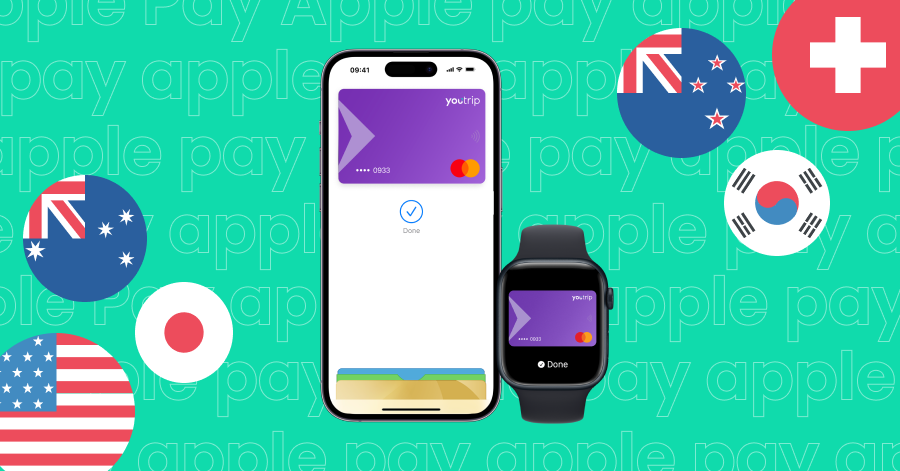
Whether you’re on the go grabbing a flat white in Sydney or shopping in Tokyo, Apple Pay makes paying easier, faster, and safer. Here are some good reasons why you should link your YouTrip card to Apple Pay:
- Faster and easier than cards or cash: No more scrambling to find your wallet or fiddling with cash, Apple Pay lets you pay directly with your iPhone or Apple Watch. This means that you can still enjoy great rates and no FX fees even if you left your YouTrip card in the hotel (or back home!)📱
- Built-in privacy and security: Apple Pay uses a unique device-specific token and dynamic security code for each transaction. This means that your card number is never stored on your device and doesn’t get shared with merchants.
- Wide acceptance worldwide: Apple Pay is widely accepted and works anywhere that takes contactless payments. It also works on millions of websites, and is built into iPhone, iPad, Mac, and Apple Watch for seamless checkouts.
How to link your YouTrip card to Apple Pay
Just follow these simple steps to link your YouTrip card to Apple Pay:
- 1️⃣ Launch your YouTrip app and head to ‘Cards’
- 2️⃣ Tap on ‘Add to Apple Wallet’, you’ll see it at the bottom of your Physical and Virtual Cards
- 3️⃣ Once directed to the Apple Pay page, your details will automatically be filled in
- 4️⃣ Simply click ‘next’ and scan through the T&Cs before selecting ‘agree’
- 5️⃣ And you’re done! ✅
Other Frequently Asked Questions about Apple Pay
1. Where can I use Apple Pay?
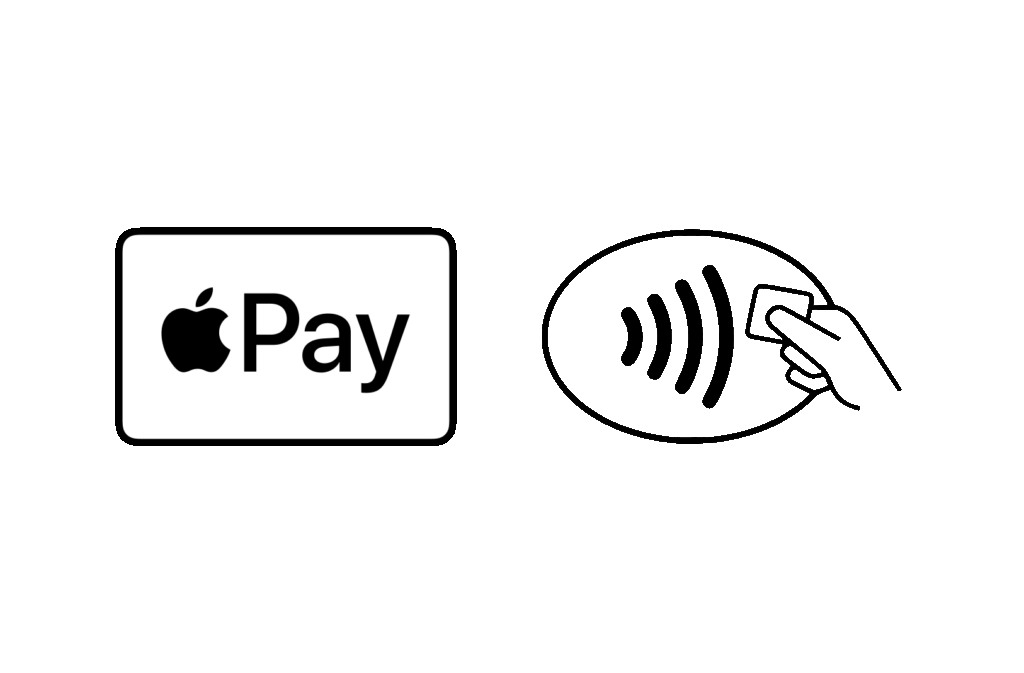
You can use Apple Pay anywhere that accepts contactless payments in-store (just look for the tap-and-go and/or Apple Pay logo). It also works on millions of apps and websites that support Apple Pay.
2. Can I use Apple Pay overseas?
Absolutely. Globally, Apple Pay has been rolled out in over 80 countries and regions across the globe. This includes major travel destinations across Asia-Pacific, Europe, the Americas, and more. By linking your YouTrip card to Apple Pay, you’ll get to enjoy great exchange rates and zero FX fees when spending abroad, along with the added convenience of not having to deals with cards and cash.
3. Can I have multiple cards in Apple Pay?
Yes – Apple Pay lets you store multiple cards and choose which one to pay with. You can set YouTrip as your default card to save on FX fees. Simply open the Wallet app on your device and drag it to the front of the card stack. ✨