




No bank visits, no filling out application forms – sign up for a YouTrip account directly from your device, and get sorted in minutes!
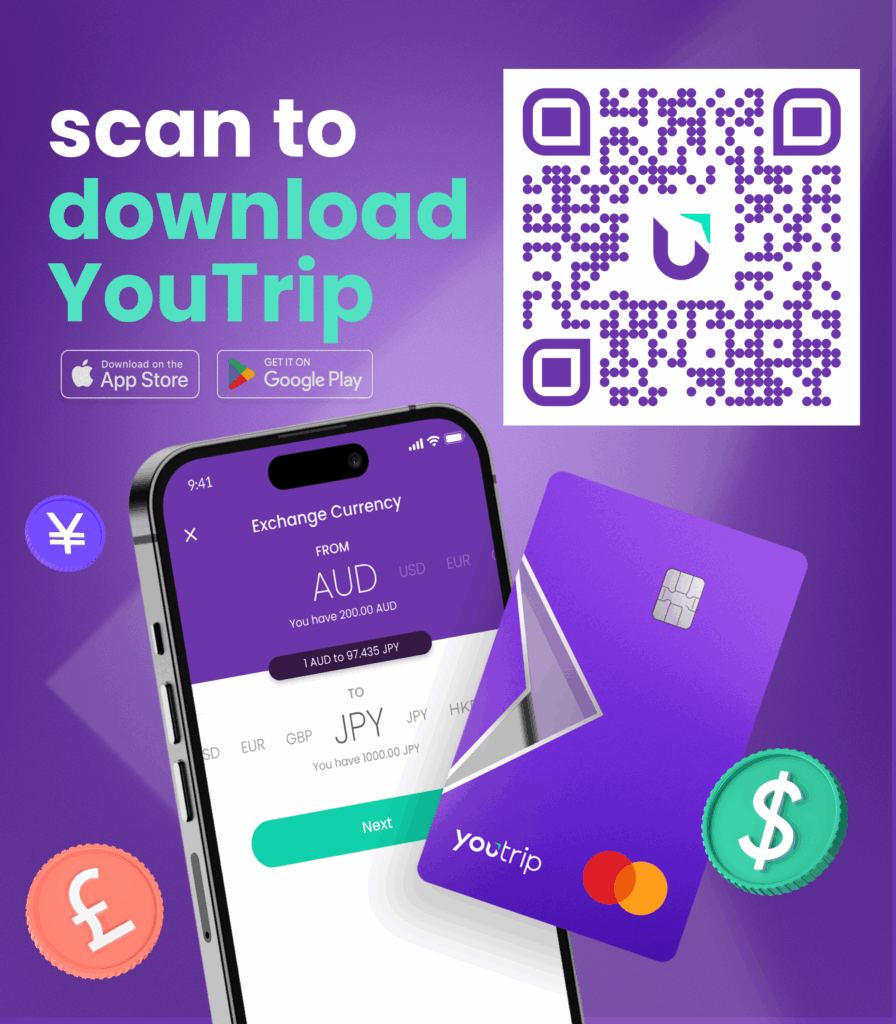
Get started by scanning the QR code below with your phone 📱:
Need guidance? Here’s a step-by-step YouTrip application guide
1️⃣ Download the YouTrip app (available on App Store or Google Play)
2️⃣ Sign up and verify your ID
- Select ‘Australia’ as your country of residence
- Enter your mobile number and verify using OTP
- Enter your email address and verify your email
- Snap a picture of your Australian driver licence or passport – or use your foreign passport if you live in Australia
- Record a self-video
- Enter your residential address and personal details (your card will be delivered here!)
3️⃣ Once approved, you’ll receive your virtual card and can start using it instantly
4️⃣ We’ll mail your physical Mastercard to your address within 4 – 8 days
Note: About 80% of applicants get approved within the same day! In case of data discrepancies, your application may take 3 to 5 business days to be processed.
👋🏻 Need help? Reach out to us at customer.au@you.co or +61 2 4012 2004 for assistance.